Every part has its own button.
Headings, formatted text, quotations, images, lists and questions to think about — each as a separate block.
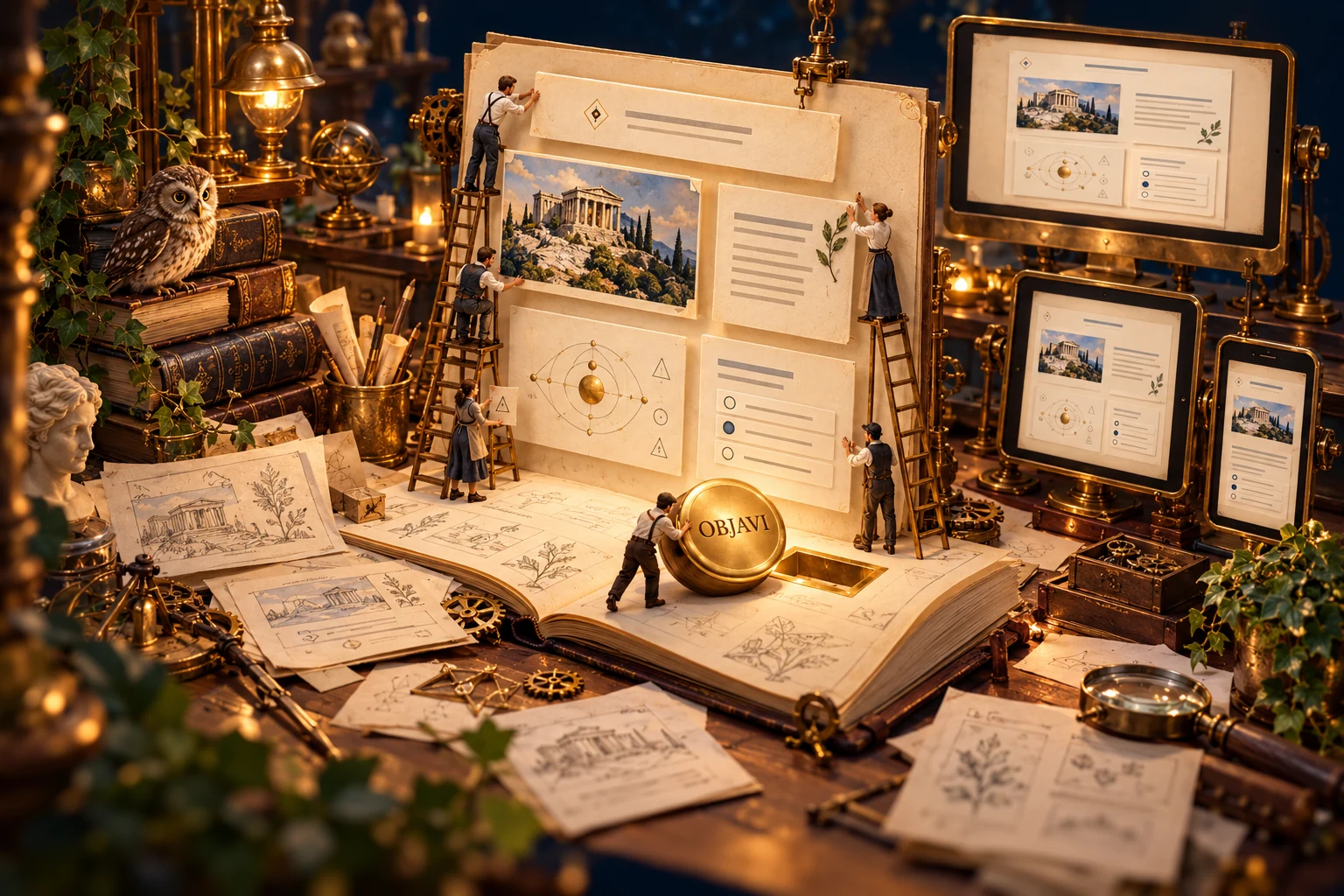
FROM THE ALEKSANDRA EDTECH WORKSHOP
I had the content.
I needed a button.
Lessons, illustrations, simulations — and one more idea that would not fit the existing tools. Eventually I built a tool to assemble everything myself.
Content → blocks → preview → page
“I only need
one button…”
ONE THING LED TO ANOTHER
While moving my materials to a new website, I needed somewhere to combine text, images and interactive activities, preview the result and adjust whatever did not look right.
That need gave rise to the ALEKSANDRINKO Web Builder: my lesson-making workbench, connected to the subjects, topics and activities I use in teaching.
ON THE WORKBENCH
The Builder combines content, lesson structure and previews. Every block can have its own place and appearance.
Headings, formatted text, quotations, images, lists and questions to think about — each as a separate block.
Columns of different widths, changes to order, colours and appearance — until the content fits the lesson I imagined.
HTML applications, embedded content and activities selected from the ALEKSANDRINKO register.
Add a cover illustration and images within the lesson, with assets linked during publication.
Preview a lesson full-screen, at desktop, tablet or phone width.
Save a local draft, import or export a lesson, reopen a published version and send changes to the website.
A SMALL BUILDING EXPERIMENT
Add a block, move it, change the palette and preview the lesson at a smaller width. This sample editor demonstrates selected features; your changes stay within this preview.
Open the demo editor ↗Open the sample editor in a separate tab for more room. The working Builder used to edit the website remains separate from this demonstration.
BEHIND EVERY PAGE THERE IS AN IDEA
The Builder grew from the same idea as my teaching websites: giving content a form that suits it, and giving learners room to explore, connect and experiment.
Back to the workbench ↑“Let me add just one more thing.”
Famous last words.